 How to Generate Salary Slip in SAP- Department of Posts

Steps to Generate Salary Slips:
- Open Chrome Browser or Firefox Browser from Desktop or Mobile Device
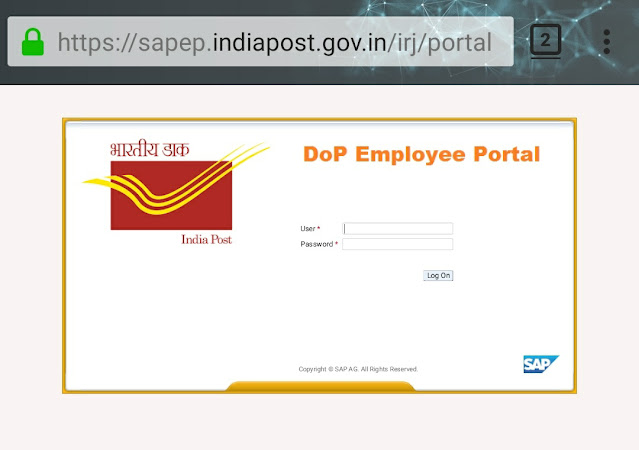
- Go to - https://sapep.indiapost.gov.in/irj/portal
- Login page will open - Enter your 8 digit employee ID and Pass-ward and click on Login
- Click on Employee Self Service
- Click on Employee Payments
- Click on Salary Statement
- From dropdown Select Month
- Enter Year - inside the box
- And in top left corner click on View pay Slip
This will generate salary slip in pdf format save that in your device .
If any one could not login to their SAP than request to divisional head for SAP ID activation
Comments
Post a Comment